
Build
Powerful no-code automation

Design and manage automation that scales across your firm.

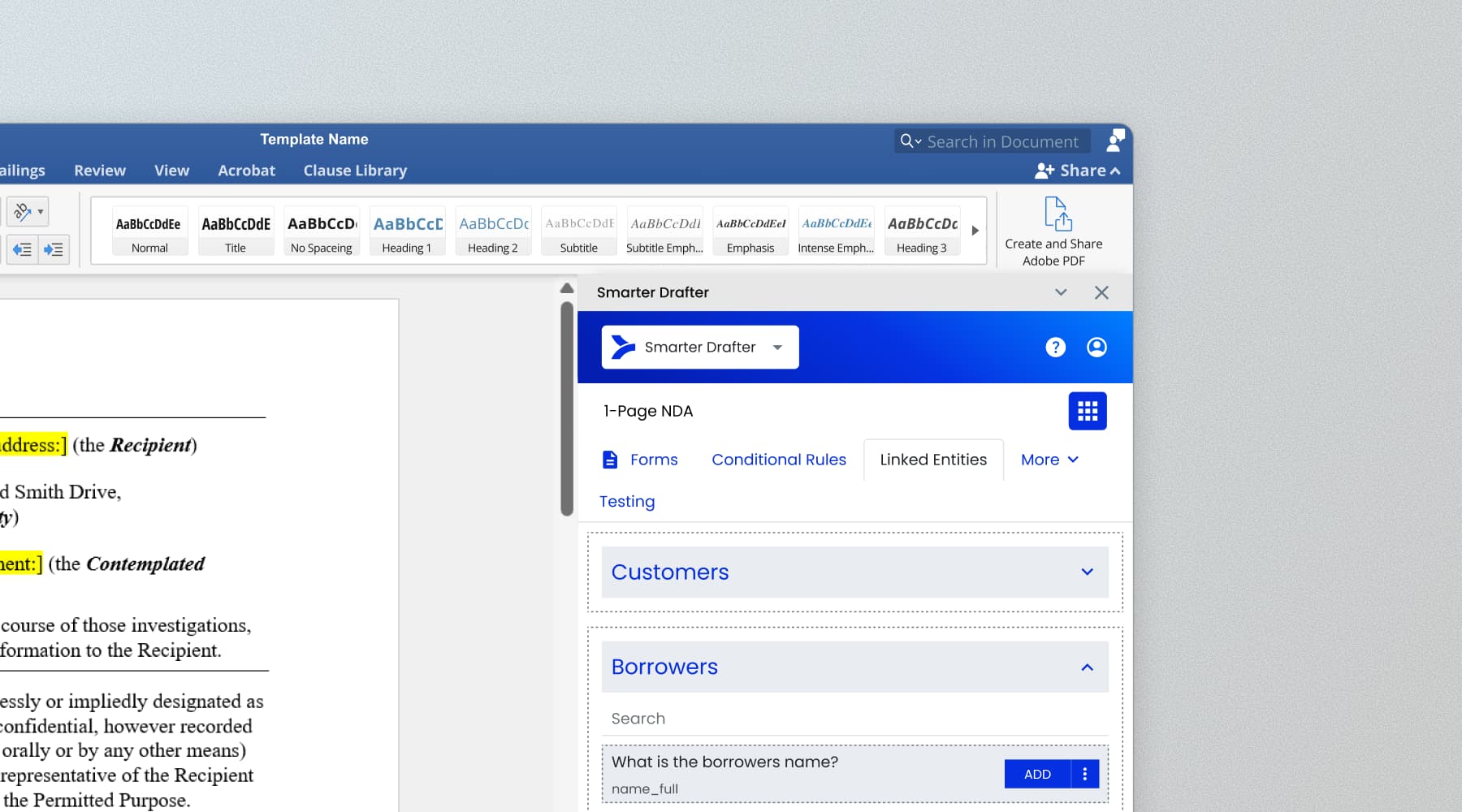
Design templates in Microsoft Word
Build and manage templates without leaving Word. Builder controls are right in the add-in.
Design and maintain templates using standard Word tools (including normal.dot)
Access builder controls directly within the Word add-in
Preserve formatting, styles and document standards
Built for real-world complexity
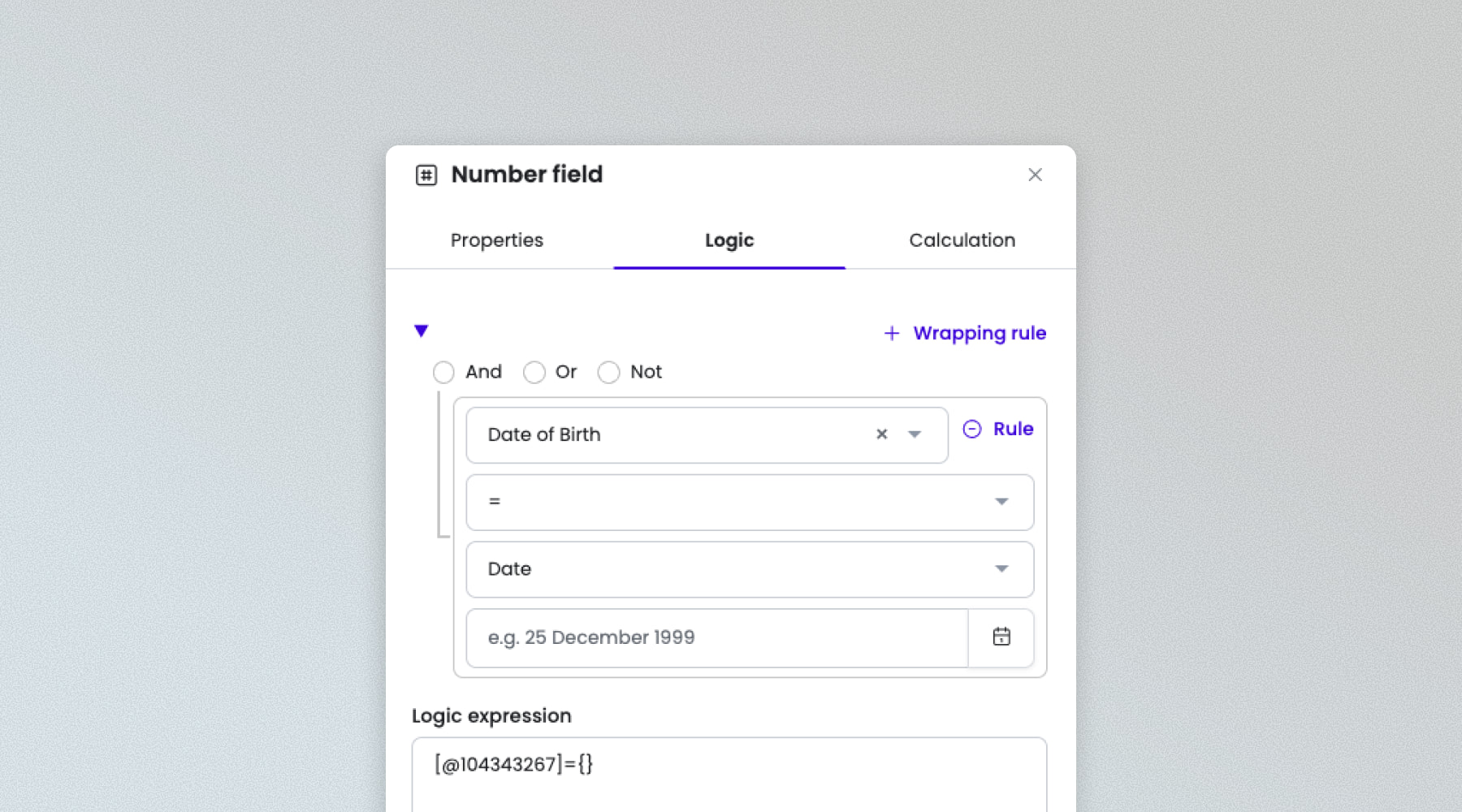
From party relationships to multi-document outputs, no scenario is too complex.
Model relationships across entities, fields and clauses
Apply conditional logic and advanced decision structures
Generate complex, multi-document outputs
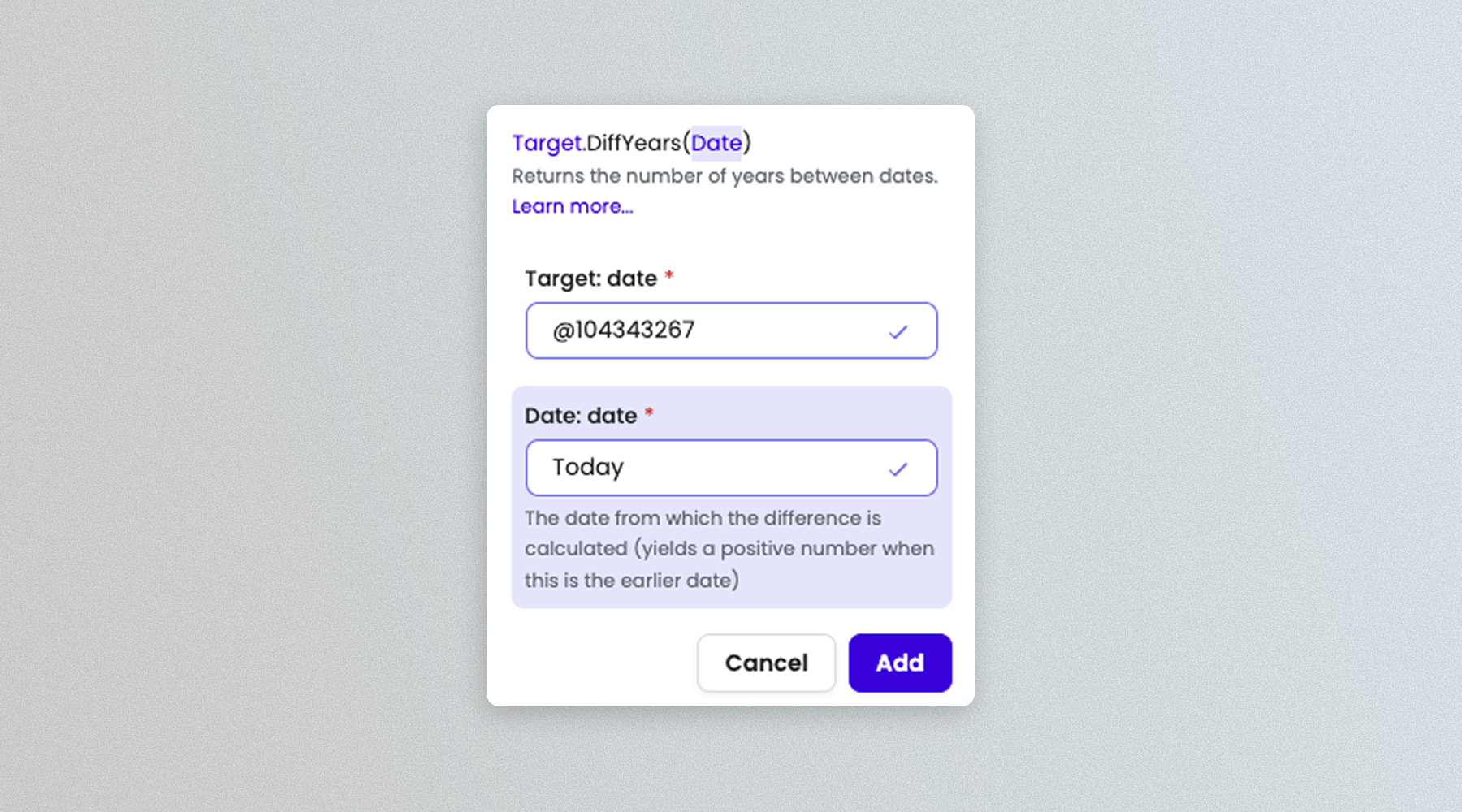
Built-in calculations
Structured logic for dates, text and numbers. Built in, not bolted on.
Calculate dates, totals and values based on user inputs
Apply logic across text, numbers and conditional scenarios
Replace spreadsheets with built-in, Excel-like capability
Matter Record
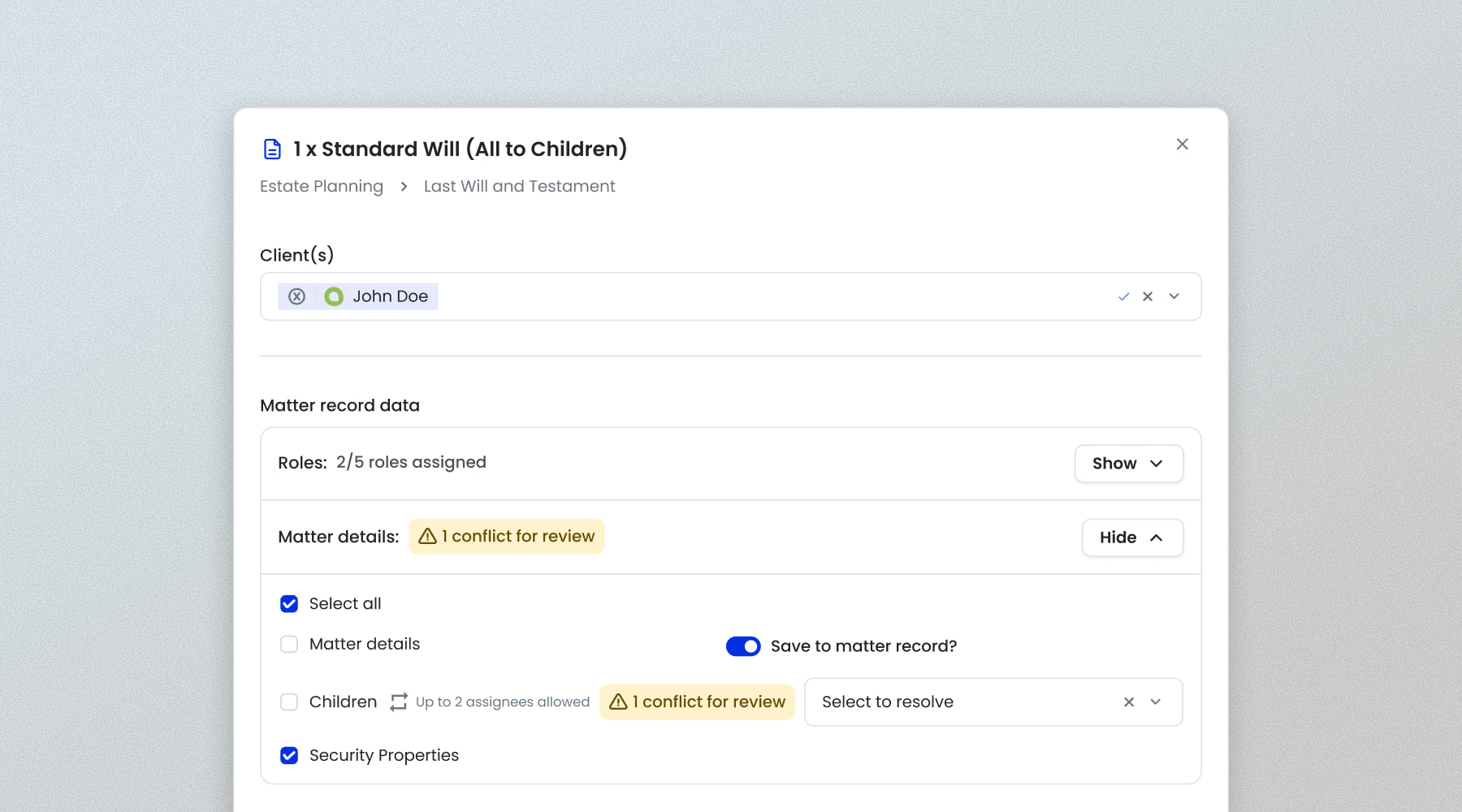
Capture data once and reuse it across every document, automatically.
Store and reuse data across all documents in the matter
Eliminate rekeying by capturing information once
Map data directly from your PMS or CRM
 Download Product Brief" loading="lazy" src="https://no-cache.hubspot.com/cta/default/4406958/interactive-211389057540.png" style="height: 100%; width: 100%; object-fit: fill"
onerror="this.style.display='none'" />
Download Product Brief" loading="lazy" src="https://no-cache.hubspot.com/cta/default/4406958/interactive-211389057540.png" style="height: 100%; width: 100%; object-fit: fill"
onerror="this.style.display='none'" />
Take control of automation
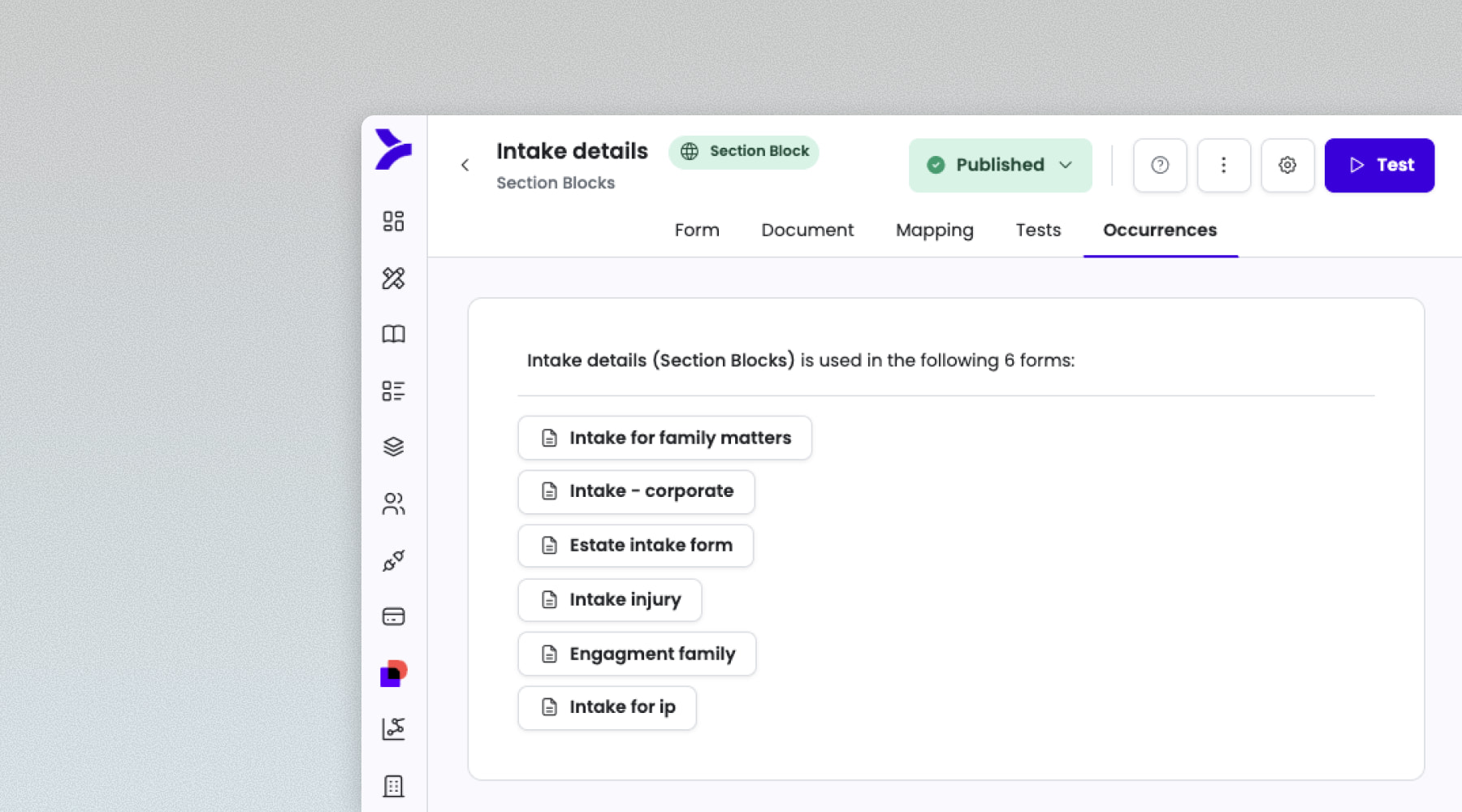
Build reusable blocks once, and let the whole firm use automation with confidence.
Define guardrails, standards and permissions centrally
Create reusable components for organisation-wide use
Enable teams to build automations without complexity
Manage branding across teams and offices
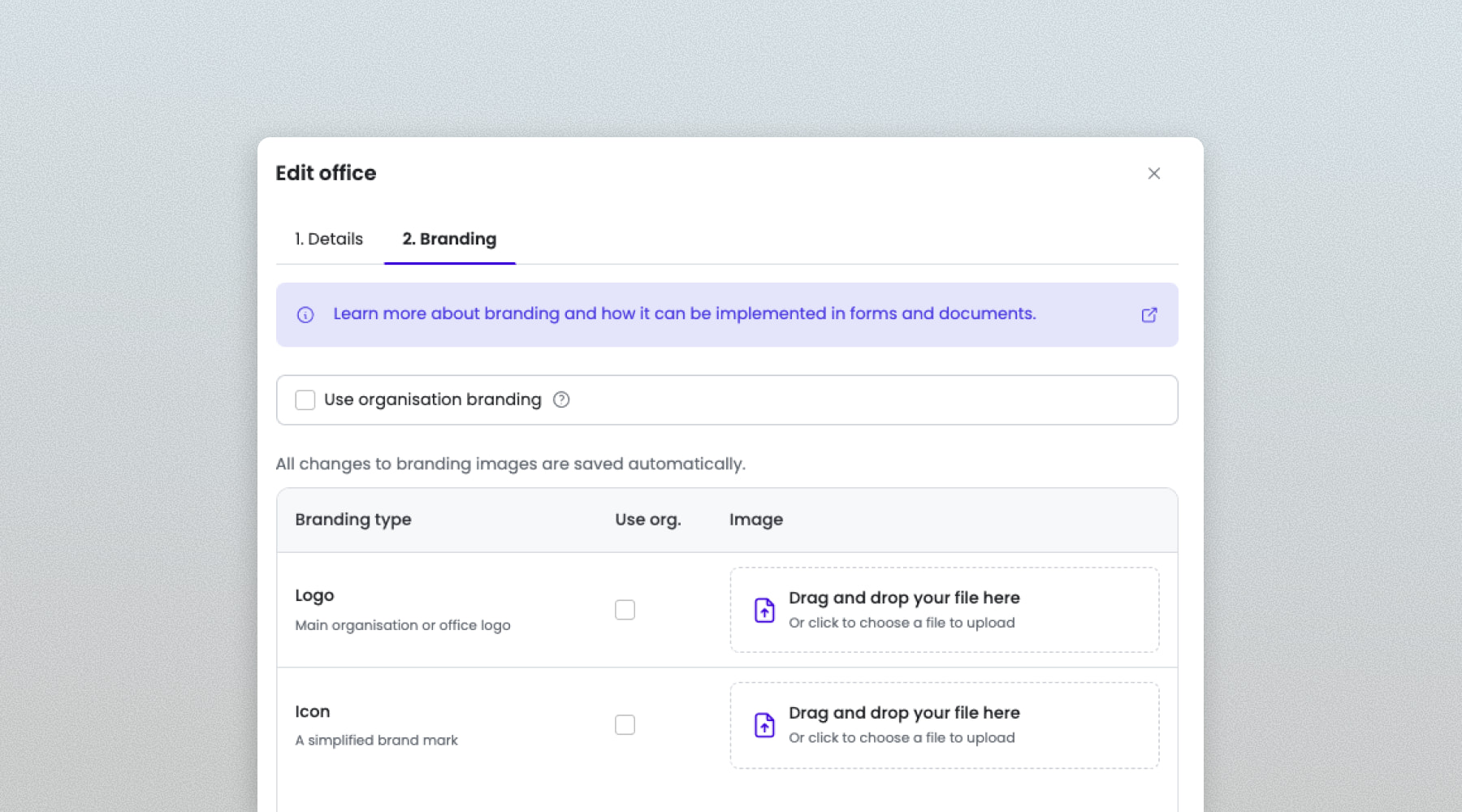
Branding, templates and identity rules. Controlled centrally, applied everywhere.
Apply branding rules across offices, teams or business units
Manage logos, styles and layouts centrally
Ensure consistent presentation across all documents

Resources
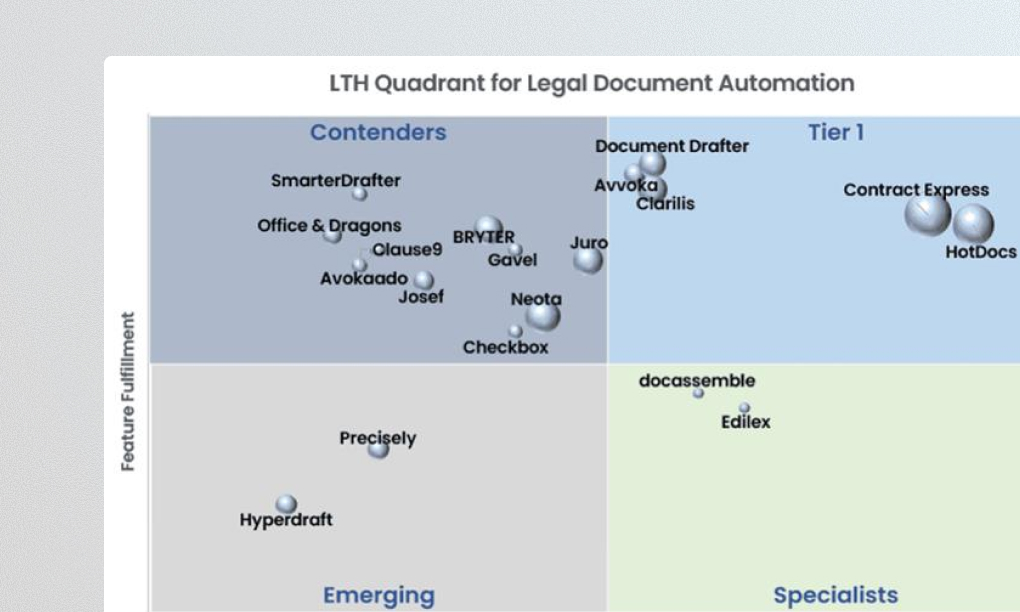
Explore our library of resources covering legal contracting insights, expert tips, success stories and more.





Secure at every stage
Security matters when working with sensitive client information. Take security risks off the table with our locally-hosted solution.


Let’s talk
Get in touch with one of our automation specialists to organise a quick demonstration of Smarter Drafter.

